YOUR FC CAREER.
Connect your career through FC Live Editor. Bring your squad, fixtures and results into GAFFER.
WELCOME TO THE JOB.
Build the club. Shape the squad. Live with the decisions. Then take it all onto the pitch in FC.
Windows 10 / 11 · FC 26 on PC · Offline career
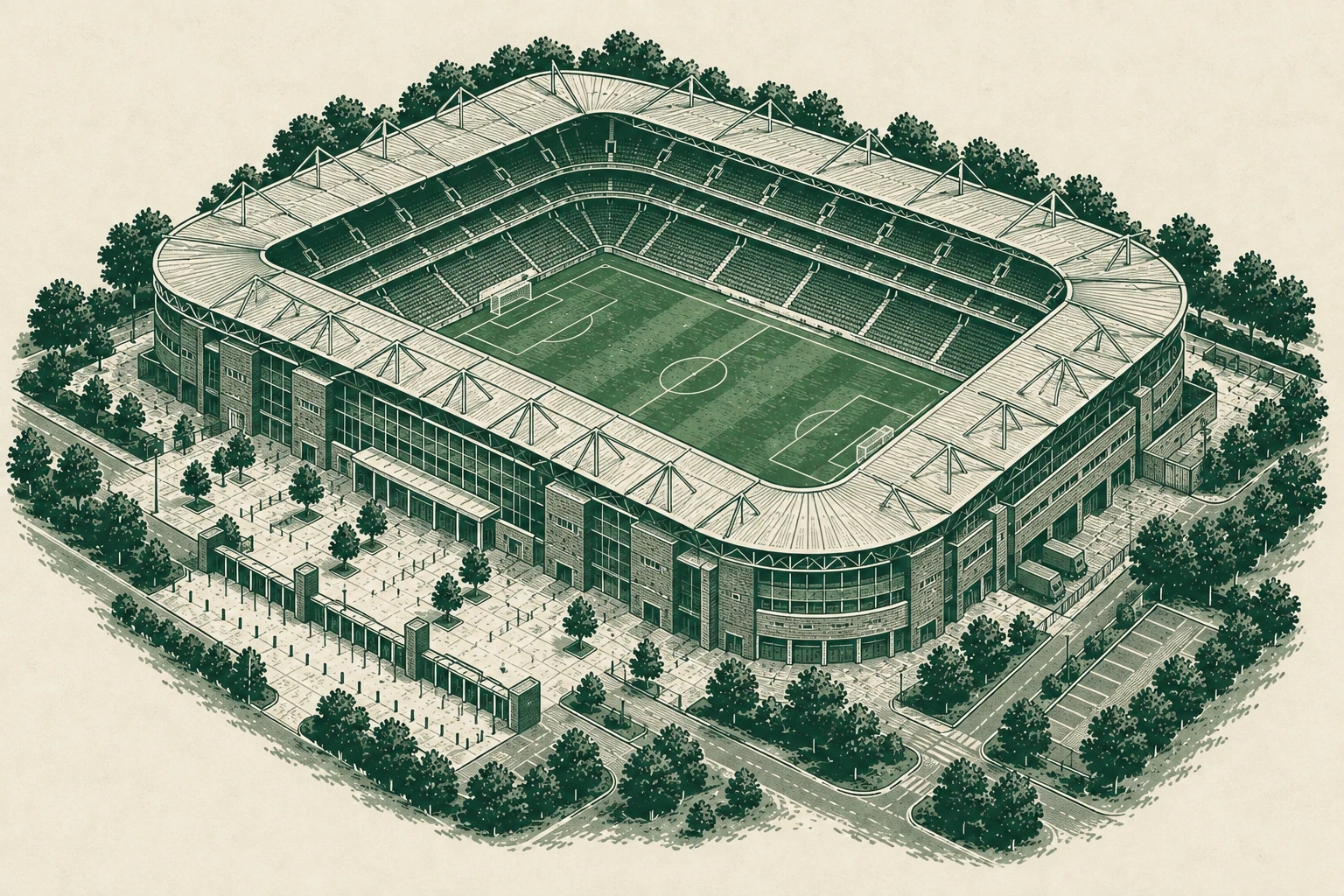
ONE CAREER. TWO HALVES.
GAFFER is a football management companion for EA SPORTS FC 26 on PC. Your FC career is the starting point. GAFFER adds the work, people and decisions around every match.
Connect your career through FC Live Editor. Bring your squad, fixtures and results into GAFFER.
Recruit, develop players, work with your staff and face the board. Build the team you want to take onto the pitch.
Play your matches in FC. Sync the result back to GAFFER and deal with what comes next.
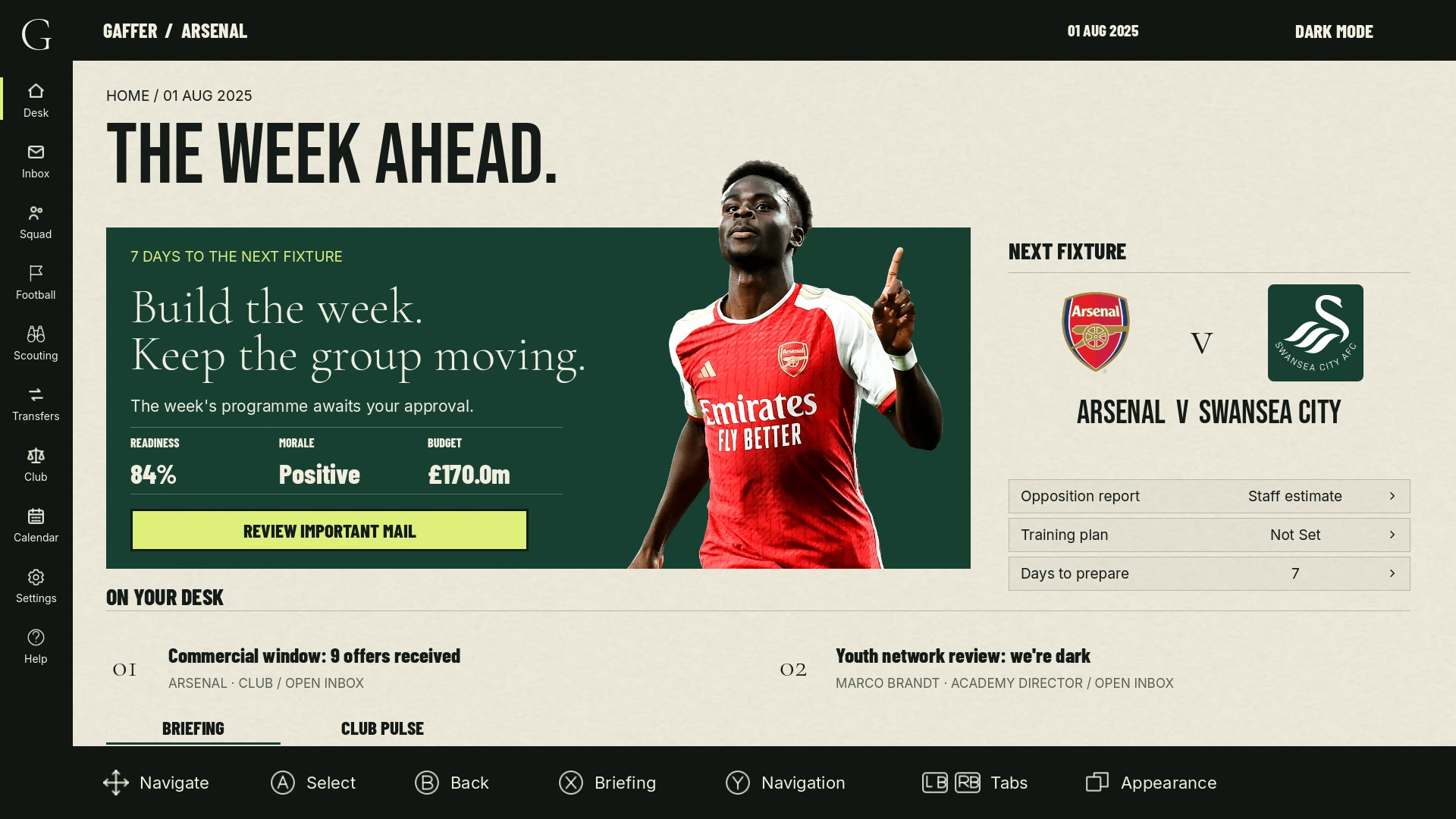
MEET VERSION 0.6
A rebuilt journal. A new illustrated identity. More of the club brought into view. Explore the systems at the heart of v0.6.
01 / A NEW WAY INTO THE JOB.
A rebuilt home for your career. Move between the football week, the people and the departments that keep your club running. A consistent paper-and-ink interface brings the job together.
02 / RECRUITMENT WITH A PURPOSE.
Set a recruitment brief, assign your scouts and read the reports. Follow the players who fit your plans, then take that work into the transfer market.
03 / FROM INTEREST TO AGREEMENT.
Work through the deals that shape your next season. Bring transfer targets, contract decisions and loan plans into one management career.
04 / THE WORK BETWEEN MATCHES.
Plan training, follow player development and make room for the next generation. Academy pathways and mentoring turn potential into a series of decisions.
05 / A CLUB IS MADE OF PEOPLE.
Speak to your players. Address the team. Face the press. Private conversations, team talks and press conferences put the human side of the job in front of you.
06 / MORE THAN THE STARTING ELEVEN.
Work with your staff and decide where authority sits. Plan facilities, track finances and keep an eye on the board. The club beyond the dressing room has a place in your journal too.
INSIDE v0.6
Explore the new journal, its departments and the conversations around your club. Open a screen to see it in full.
Game captures from the September 2026 build. Example careers are shown.
YOUR FIRST DAY
You need Windows 10 or 11 (64-bit), EA SPORTS FC 26 on PC and FC 26 Live Editor. GAFFER connects to an offline Manager Career.
Download GAFFER v0.6 through an eligible Patreon membership. Extract the complete ZIP. Keep GAFFER-Payload.zip beside GAFFER-Installer-0.6.exe, then run the installer and choose PATREON. Sign in with your eligible membership to activate this PC and install the game.
Download FC 26 Live Editor by Aranaktu separately. Select its folder in GAFFER and follow the connection walkthrough.
Use FC and the EA app offline. Launch FC through Live Editor, load your Manager Career and run fc_auto.lua once for the session. Choose Load FC 26 Career in GAFFER.
Yes. You play in your FC 26 career. GAFFER handles the management layer around it, with the career bridge connecting squads, fixtures, results and supported career changes.
GAFFER currently requires FC 26 on a Windows PC and FC Live Editor. Console careers are not supported.
Version 0.6 is planned for 11 September 2026. The release post on Patreon will contain the download when it is ready. GAFFER members get access at launch; First Team access follows 14 full days later. An upload alone does not mean activation is open.
Start with the instructions in the current release post, then join the GAFFER Discord for setup help and to report issues.
v0.6 / PLANNED 11 SEPTEMBER 2026
Find release downloads on Patreon, follow development and help shape what comes next. Choose the membership that fits how you want to be involved.
Follow development, see the work behind the game and support the project. This tier does not include game access.
View membership ↗Play each new build 14 full days after its GAFFER-tier release, and help shape development.
See access & pricing ↗Play new builds from their GAFFER-tier release time and support the next stage of the game.
View membership ↗Patreon has the current prices, benefits and release availability for each tier. Check these before joining. An eligible active membership is required for game access.
MAKE IT YOUR CLUB
All 504 GAFFER illustrations come with the game. Player cutouts are an optional library: install the render pack separately, or prepare a render of your own.
Choose a player and prepare an image for their profile. Keep their identity and the kit represented in the image clear.
Open Render Studio →Download the render package, extract it and run its installer. It adds the image to your personal render library, without moving game files or saves.
GAFFER prefers a render in the player’s current club kit. If one isn’t available, it uses an older-kit render of the same player. Neutral artwork appears when no suitable player image is available.
FOLLOW THE STORY
Watch the devlogs, share your career and help make GAFFER feel at home in more languages.
Devlogs, feature tours and the work behind the game.
↗ JOIN INCareer stories, feedback and help getting started.
↗ CONTRIBUTEHelp the game speak naturally in your language.
↗MORE CAREER-MODE IDEAS / FC Concepts ↗